
If you want to know how to do SEO for Shopify in 2026, the answer is that you work three layers in order: set up the technical foundation so search engines and AI assistants can read your store, optimize your product and collection pages for the terms buyers actually search, and then earn authority through content and links. Shopify handles a lot of the technical plumbing for you, so the wins come from what you control: structure, product pages, and relevance. Here is how each layer works, plus quick answers on product SEO and getting started.
Key takeaways
- To do SEO for Shopify, treat it as three layers that build on each other, not a one-time checklist.
- Setting up SEO on Shopify starts with the settings you can control in your admin, before you touch a single blog post. Work through this checklist once, then maintain it.
- To improve SEO on Shopify once the setup is done, focus your effort where it moves rankings and revenue at the same time.
How to Do SEO for Shopify
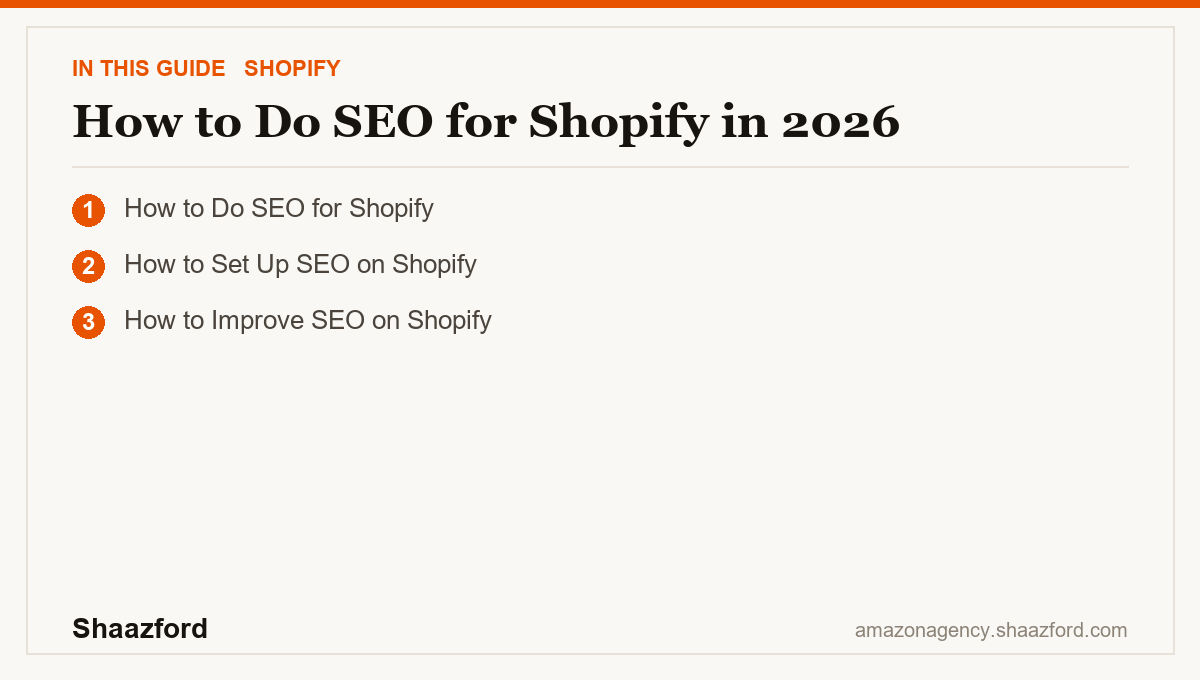
To do SEO for Shopify, treat it as three layers that build on each other, not a one-time checklist:
- - Foundation. Make sure every page has a unique title and meta description, a clean URL, one clear H1, and image alt text. Submit your sitemap in Google Search Console so your pages get crawled.
- - Relevance. Match your titles, descriptions, and headings to how buyers actually search, in plain language, not stuffed with keywords.
- - Authority. Earn trust over time through helpful content, genuine reviews, and links from real sites in your niche.
Skip the foundation and everything above it leaks. Nail the foundation and every product page you optimize compounds. In 2026 this matters more than ever, because AI shopping assistants pull answers straight from well-structured product pages and reviews.
How to Set Up SEO on Shopify
Setting up SEO on Shopify starts with the settings you can control in your admin, before you touch a single blog post. Work through this checklist once, then maintain it:
1. Connect Google Search Console and submit your sitemap.xml so Google indexes your store. 2. Edit the page title and meta description for your homepage, top collections, and best sellers under each page's Search engine listing preview. 3. Clean your URLs. Keep handles short and readable, and set up redirects whenever you change or delete a URL so you never lose link value. 4. Add alt text to every image describing what is in it, which helps both accessibility and image search. 5. Fix duplicate content. Shopify can create duplicate product URLs through collections, so rely on canonical tags and avoid publishing the same description across many pages.
Get these five right and you have a foundation most competitors never bother to build.
How to Improve SEO on Shopify
To improve SEO on Shopify once the setup is done, focus your effort where it moves rankings and revenue at the same time:
| Lever | What to do | Why it works |
|---|---|---|
| Product pages | Write unique, benefit-led descriptions and specific titles | These are your money pages and your most-searched terms |
| Site speed | Use a lightweight theme, compress images, cut unused apps | Faster pages rank better and convert better |
| Content | Publish buyer-guide blogs that answer real questions | Captures top-of-funnel search and earns links |
| Internal links | Link collections to products and guides to products | Spreads authority and helps crawlers understand structure |
| Reviews | Collect genuine product reviews | Fresh, relevant text that search and AI assistants cite |
The pattern is simple: fix speed once, then keep improving product pages and content on a schedule. SEO is compounding maintenance, not a single project.
Ready to make Shopify SEO actually drive revenue?
SEO that ranks and gets cited by AI answer engines is a discipline, not a plugin. Shaazford has managed more than $50M in client revenue, and we build Shopify stores to be found in both search and AI answers. If you want SEO that compounds into orders instead of vanity traffic, talk to Shaazford.