
Once your shop is approved, the next question is how to add products to TikTok Shop from Shopify, a print-on-demand app, or manually. There are four routes, and choosing the one that matches how you already work saves hours and prevents fulfillment headaches. This guide walks through each method, the shipping rule that quietly hurts sellers who ignore it, and how to decide.
Add products four ways: manually in Seller Center, by syncing a Shopify catalog, through a print-on-demand app like Printify, or as an affiliate. Submit your W-9 first, since publishing is blocked without it.
Key takeaways
- Four methods: manual, Shopify sync, print-on-demand, or affiliate.
- You cannot publish products until your W-9 is on file.
- US orders must be shipped within 2 business days.
- Upload product video; static-only listings rarely get discovered.
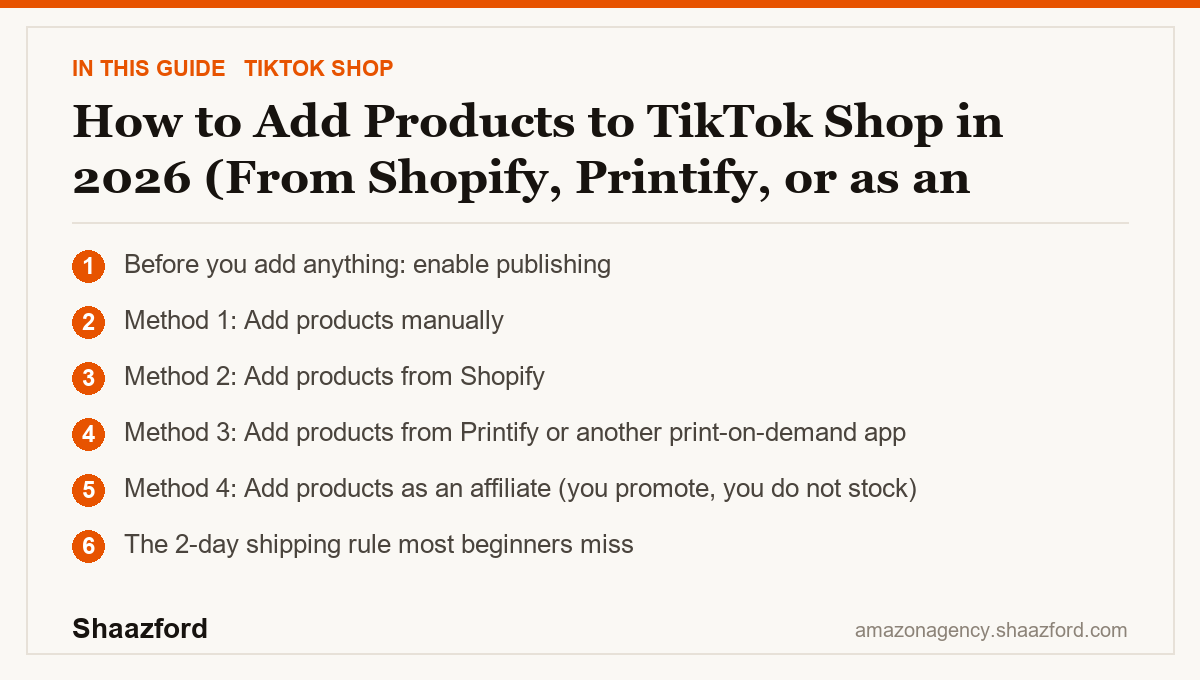
Before you add anything: enable publishing
One prerequisite trips up new sellers. You cannot publish products until your tax information is submitted in Seller Center. If your listings will not go live, check that your W-9 is on file first. With that handled, here are your four methods.
Method 1: Add products manually
Manual upload is the simplest path and fine when you have a small catalog. In Seller Center, go to Manage Products and add a new product. You will enter a title, images or video, a price, inventory, shipping details, and a category. TikTok Shop is video-first, so upload short product video wherever you can, not just static photos. Manual listing gives you full control over every field, but it gets slow once you are managing more than a handful of items, which is where integrations earn their keep.
Method 2: Add products from Shopify
If you already run a Shopify store, the catalog integration is the cleanest option. Install the TikTok sales channel inside Shopify, connect it to your TikTok Shop, and sync your catalog. Your products, variants, and inventory flow into TikTok Shop automatically, and stock levels stay in sync as you sell across channels. This is the best route for established stores because you manage one source of truth in Shopify instead of maintaining two separate catalogs. After the initial sync, review each listing in Seller Center to confirm categories and compliance details came across correctly, since TikTok has category rules Shopify does not enforce.
Method 3: Add products from Printify or another print-on-demand app
Print on demand lets you sell without holding inventory, which is why it is popular with beginners. To connect Printify, log in or create a free account, open Manage my stores, click Connect, and choose TikTok. You will need an approved TikTok seller account with a valid US address and tax ID first. Then browse the Printify catalog, toggle the TikTok-eligible filter so you only see products and variants that can be published to TikTok Shop, pick a product and print provider, add your design, and publish. The app handles production and shipping when an order comes in. Note that the Printify TikTok Shop integration is currently limited to US-based sellers.
Method 4: Add products as an affiliate (you promote, you do not stock)
The fourth method is different in kind. As a TikTok Shop affiliate you do not add your own products at all. You browse the affiliate marketplace, choose products from other sellers, feature them in your videos or LIVEs, and earn a commission on the sales you drive. There is no inventory, no fulfillment, and no shipping on your side. This is the route for creators who want to earn from TikTok Shop without running a store. It is worth knowing this option exists even if you plan to sell your own products, because recruiting affiliates to promote your listings is how most shops actually scale.
The 2-day shipping rule most beginners miss
Whichever method you use to add products, one rule applies to every seller: TikTok Shop requires US orders to be shipped within 2 business days of the order being placed. Late dispatch damages your account health and quietly reduces how often your products get shown. This matters most with print on demand, where production time eats into your window, so confirm your provider can produce and dispatch fast enough. Reliable, on-time shipping is not a nice-to-have on this platform; it directly affects your visibility.
The beginner mistakes that cost the most
The first mistake is maintaining two catalogs by hand when a Shopify sync would keep them aligned automatically, which leads to overselling and stockouts. The second is publishing print-on-demand products without checking production times against the 2-day dispatch rule, then racking up late shipments. The third is uploading only static photos. TikTok Shop rewards native video, and listings without it rarely get discovered. Add product video from the start, even a short clip filmed on your phone.
Where adding products to TikTok Shop is heading in 2026
TikTok keeps improving its integrations and creative tools, including AI features that help generate product content and select your best-performing clips. The catalog integrations with platforms like Shopify are getting tighter, and print-on-demand connections are expanding their eligible product ranges. The through-line for 2026 is that the technical side of adding products keeps getting easier, which means the real differentiator is the content wrapped around each listing and the creators promoting it, not the upload method itself.
Want your catalog built to sell, not just uploaded?
Adding products is the easy part. Structuring listings, wrapping them in native video, and building a creator-affiliate engine that actually moves units is the real operation. Shaazford runs TikTok Shop growth for established brands under one strategy, with senior Amazon agency directors and flat pricing, never a percentage of your ad spend. If you are ready to grow, talk to Shaazford.