
Learning how to sell on Shopify is not hard. Shopify is built so anyone can launch a store in a weekend. The part nobody warns you about is that opening a store and building a business are two different things. This guide walks the real setup, what it costs in 2026, and the traffic and conversion truths that decide whether your store makes money.
To sell on Shopify, start the free trial, choose a plan, add products, customize a theme, set up payments, shipping, and taxes, then launch and drive traffic through one hero product and a couple of channels.
Key takeaways
- The trial is 3 days free, then $1 a month for three months.
- Basic plan costs $39 a month, or $29 paid annually.
- Shopify Payments charges about 2.9% plus 30 cents per online card sale.
- Traffic is the business; fix conversion before buying more visitors.
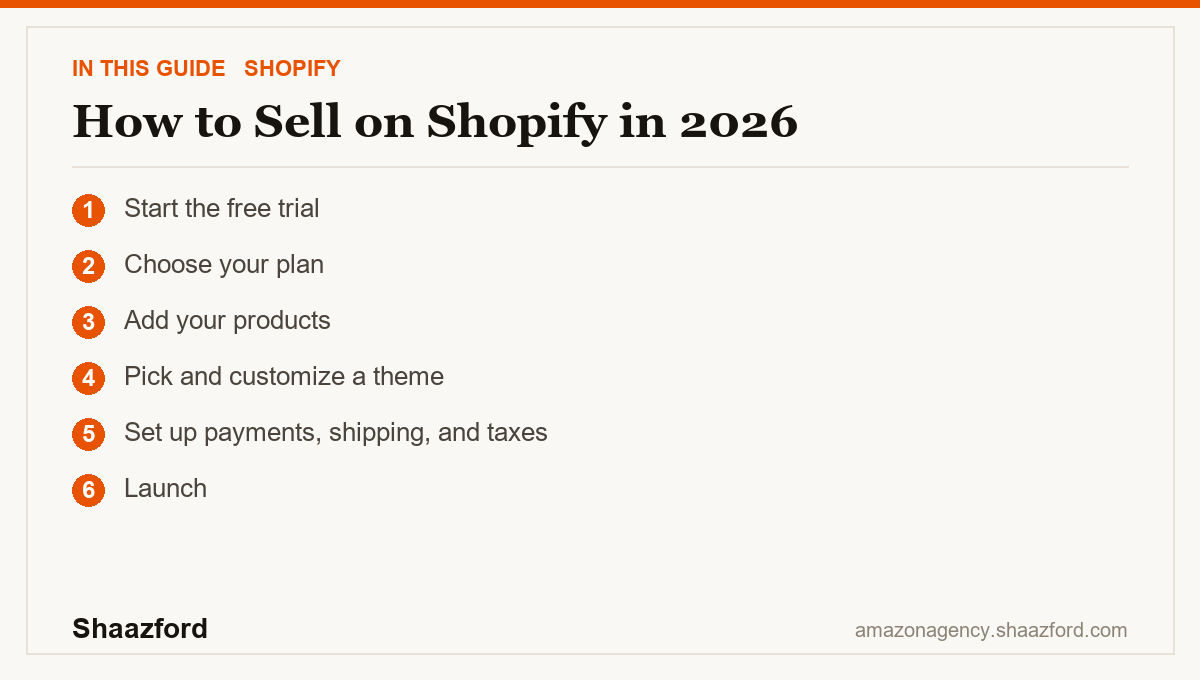
Step 1: Start the free trial
Create your account and start the trial. As of 2026, Shopify offers 3 days free with no credit card, then $1 a month for your first 3 months on a standard plan. That window is for building, set up your store before you start paying real money.
Step 2: Choose your plan
Shopify's lineup in 2026 is Starter, Basic, Grow, Advanced, and Plus. For most new sellers, Basic at $39 a month ($29 if you pay annually) is plenty to launch a full store with your own domain. The $5 Starter plan is a lighter option if you only want to sell through social and link-in-bio. There is also a newer $0-a-month AI-channel plan that lets you sync a catalog and only pay when you sell.
Step 3: Add your products
Now add your products to Shopify. You can sell your own goods, go handmade, use print-on-demand, or dropship on Shopify by importing products from a supplier. Whichever route you choose, write product pages that resolve doubt: clear photos, honest descriptions, pricing, and inventory. If you are dropshipping, vet suppliers hard, slow shipping and thin quality are the fastest way to lose trust.
Step 4: Pick and customize a theme
Choose a clean theme and make it yours: upload your logo, set your colors and fonts, and build the core pages every store needs, About, Contact, FAQ, and Shipping & Returns. Do not over-design. A fast, clear store beats a beautiful, slow one every time.
Step 5: Set up payments, shipping, and taxes
Turn on Shopify Payments so you can actually take money, it is built in and avoids the extra 2% fee that third-party gateways add on the Basic plan. Shopify Payments charges about 2.9% plus 30 cents per online card transaction on Basic. Then set your shipping (flat, free, or calculated, and consider a free-shipping threshold) and configure your tax settings correctly.
Step 6: Launch
Remove your store password and set it to public. That is it. You are live. Celebrate for about five minutes, because the real work starts now.
Step 7: Drive traffic (the actual job)
Here is the best way to market your Shopify store as a beginner: pick one hero product and one or two channels, and go deep. Announce to your network, post organic content where your buyers already are, and run a small paid test to learn. Speaking of paid, people often ask how much it costs to run Shopify ads, that is not a Shopify fee at all; you pay the ad platform (Meta, Google, TikTok), and a sensible beginner test is a small daily budget you can afford to lose while you learn what converts.
What it costs to sell on Shopify in 2026
So how much does it cost to sell on Shopify? Your two fixed costs are your plan ($39/month on Basic, or $1/month during the intro window) and payment processing (about 2.9% + 30 cents per online sale with Shopify Payments). On top of that sit your product costs, any paid apps, and advertising if you use it. Keep the app stack lean, every app you install can slow your store down.
The beginner mistakes that cost the most
The number one failure is expecting sales to appear after launch. They do not. Traffic is the business, and it has to be earned. The second mistake is buying more traffic before fixing conversion, if visitors are not converting, more of them will not help; you are pouring water into a bucket with holes. Fix the product page and the mobile experience first. More than half of ecommerce traffic is on phones in 2026, and a store that takes more than a few seconds to load bleeds both visitors and rankings. The third mistake is app bloat: stacking review, upsell, timer, and popup apps until the store crawls.
Where Shopify is heading in 2026
Shopify's Spring 2026 Edition leaned hard into AI shopping. Customers can now complete checkout inside AI assistants using Shop Pay, built on an open Universal Commerce Protocol that Shopify developed with Google and that Amazon, Meta, Microsoft, and Stripe back. Through Shopify Catalog, eligible products can be syndicated into tools like ChatGPT and Copilot without extra feeds. The lesson for beginners: build your store clean, and make sure your catalog is ready for the places new demand is coming from.
Want your Shopify store to actually grow?
Launching is the easy part. Turning a Shopify store into predictable revenue, CRO, retention, email and SMS, and paid that pays for itself, is what separates a store from a business. Shaazford runs Shopify and DTC growth for established brands under one strategy, with senior Amazon agency directors and flat, transparent pricing. If you are ready to scale, talk to Shaazford.