
Learning how to start a Shopify store from scratch is not the hard part. Shopify is built so one person can go from nothing to a live store in a weekend. The hard part is that opening a store and building a business are two different things. This guide walks the real setup, what it costs in 2026, and the quiet mistakes that decide whether your store ever makes money.
You can build a live Shopify store in a weekend: start the free trial, pick the Basic plan, add products, customize a theme, set up payments and shipping, then launch.
Key takeaways
- The trial is 3 days free, then $1 a month for 3 months.
- Basic at $39 a month is right for almost every new store.
- Shopify Payments charges roughly 2.9% plus 30 cents per online sale.
- Traffic is the business; sales do not appear just because you launch.
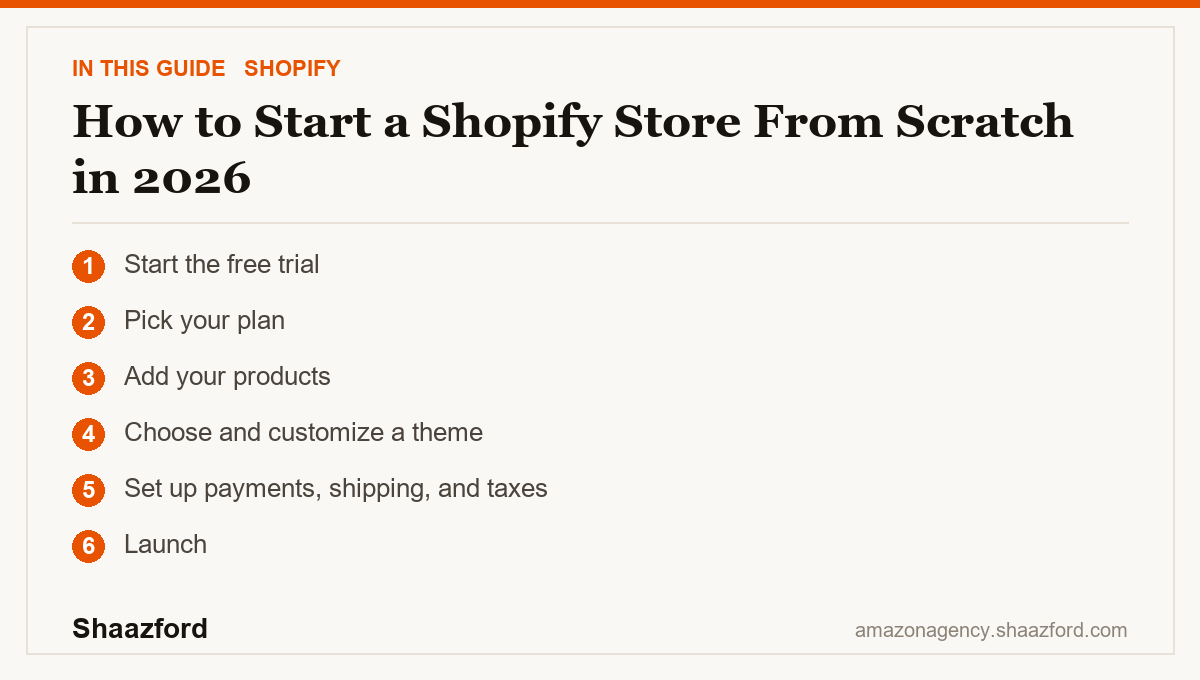
Step 1: Start the free trial
Create your account and start the trial before you spend anything. As of 2026, Shopify offers 3 days free with no credit card, then $1 a month for your first 3 months on a standard plan. Treat that window as build time. Get the store to a finished state before you are paying full price, so your first real invoice arrives when you are ready to sell.
Step 2: Pick your plan
Shopify's 2026 lineup runs Starter, Basic, Grow, Advanced, and Plus. For almost every new store, Basic at $39 a month is the right start, and it drops to about $29 a month if you pay annually. It gives you a full store, your own domain, and the core tools you need. The $5 Starter plan is a lighter option if you only want to sell through social and a link in bio. You do not need Grow, Advanced, or Plus on day one, and you can upgrade the moment your volume justifies it.
Step 3: Add your products
Now add your products. You can sell your own goods, go print-on-demand, or dropship by importing from a supplier. Whichever route you pick, the product page is where the sale is won or lost. Write pages that resolve doubt: clear photos from more than one angle, honest descriptions, real pricing, and accurate inventory. If you import products from a supplier, rewrite the titles and descriptions in your own words. Marketplace copy is written for a marketplace, not for your brand.
Step 4: Choose and customize a theme
Pick a clean theme and make it yours. Upload your logo, set your colors and fonts, and build the core pages every store needs: About, Contact, FAQ, and Shipping and Returns. Resist the urge to over-design. A fast, clear store beats a beautiful, slow one every time, and most of your visitors will judge it in a couple of seconds on a phone.
Step 5: Set up payments, shipping, and taxes
Turn on Shopify Payments so you can actually take money. It is built in, and on the Basic plan it avoids the extra transaction fee that third-party gateways add. Shopify Payments charges roughly 2.9 percent plus 30 cents per online card transaction on Basic. Then set your shipping. Decide between flat, free, or calculated rates, and consider a free-shipping threshold that nudges order value up. Finally, configure your tax settings so you are collecting correctly from the start.
Step 6: Launch
Remove your store password and set the store to public. That is it. You are live. Give yourself about five minutes to celebrate, because the real work starts the moment the store is open.
What it costs to start a Shopify store in 2026
So how much does it cost to start a Shopify store? Your two fixed costs are your plan and your payment processing. The plan is $1 a month during the intro window, then $39 a month on Basic. Processing is about 2.9 percent plus 30 cents per online sale with Shopify Payments. On top of that sit your product costs, your domain, any paid apps, and advertising if you choose to run it. You can genuinely start for close to the price of a coffee, but plan for product and marketing costs so the low entry price does not lull you into skipping a budget.
The beginner mistakes that cost the most
The number one failure is expecting sales to appear right after launch. They do not. Nobody shows up just because you flipped the store to public. Traffic is the business, and it has to be earned through content, search, social, email, or paid.
The second mistake is ignoring mobile. In 2026 the large majority of Shopify visits happen on phones, so a store that looks fine on your laptop but loads slowly or breaks on a phone is bleeding sales you never see.
The third mistake is app bloat. New store owners stack review, upsell, timer, and popup apps until the store crawls. Every app you install can add weight and slow your pages. Keep the stack lean and only add an app when it earns its place.
The fourth mistake is publishing thin product pages. One blurry photo and a copied description is not a product page. That is the single asset doing the selling, so give it the attention it deserves.
Where Shopify is heading in 2026
Shopify's Spring 2026 Edition leaned hard into AI shopping. Through Agentic Storefronts and the Universal Commerce Protocol Shopify built with Google, merchants can now have their catalog surfaced and their products bought inside AI tools like ChatGPT, Microsoft Copilot, and Google AI Mode, with Shop Pay handling checkout. The practical takeaway for a beginner is simple: build your store clean and keep your product data accurate, because AI shopping tools read that structured data to decide what to show buyers. A tidy catalog is no longer just good housekeeping, it is how you stay visible where new demand is forming.
Ready to turn a store into a business?
Launching is the easy part. Turning a Shopify store into predictable revenue, through conversion work, retention, email and SMS, and paid that pays for itself, is what separates a store from a business. Shaazford runs Shopify and DTC growth for established brands under one strategy, with senior Amazon agency directors and flat, transparent pricing that is never a percentage of your ad spend. If you are ready to scale, talk to Shaazford.