
If you want to know how to advertise your Shopify store on Facebook in 2026, the campaign itself is the easy part. The setup underneath it is what decides whether your ads ever work. Get the connection and the tracking right, and Meta can optimize toward real buyers. Get it wrong, and you pay for ads that never learn. This guide walks the setup senior Amazon agency directors actually use, in order.
Connect Shopify to Meta with the Facebook and Instagram channel, set up the Meta pixel plus Conversions API at Maximum data sharing, verify events in Test Events, then launch strong creative on a clean page.
Key takeaways
- Add the Facebook and Instagram sales channel to link store, Page, and ad account.
- Run the pixel and Conversions API together; set data sharing to Maximum.
- Verify view, add-to-cart, and checkout events in Test Events before spending.
- Browser tracking alone can lose 20 to 30 percent of conversions.
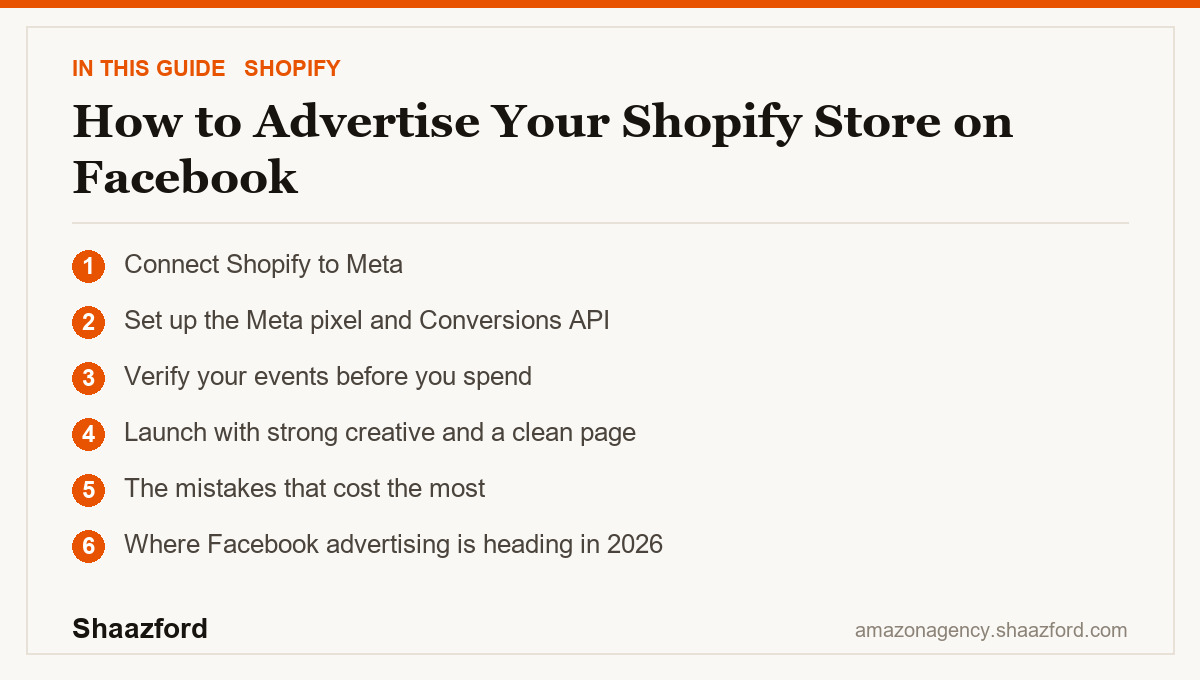
Step 1: Connect Shopify to Meta
Start in your Shopify admin. Go to your sales channels and add the Facebook and Instagram app, then connect it to your Meta business account. This links your Shopify store to your Facebook Page, your Instagram account, and your ad account, which is the bridge every campaign runs across. If you do not already have a Meta Business Portfolio, create one first in Meta Business Suite. It is the container that holds your Page, Instagram, and ad account together.
Do this before you build a single ad. The channel connection is what lets Meta read your catalog, place your pixel, and attribute sales back to your campaigns.
Step 2: Set up the Meta pixel and Conversions API
The Meta pixel measures what people do on your store after they see or click an ad, so Meta can optimize toward purchases instead of guessing. In 2026, the pixel alone is not enough. Browser-based tracking is degraded by ad blockers and privacy restrictions, so you also need the Conversions API, which sends events server to server. Together they give Meta a far more complete picture of who is buying.
When Shopify asks which level of data to share during setup, choose Maximum. That is the setting that fully activates the Conversions API with advanced matching. The easiest path is to set up the Conversions API through the partner integration Shopify offers, rather than building it by hand.
Step 3: Verify your events before you spend
Never launch on trust. Open Meta Events Manager, go to the Test Events tab, enter your store URL, and walk your store exactly like a customer would: view a product, add it to cart, and start checkout. You should see each of those events appear in real time. If an event does not fire, or fires twice, fix it now. Every dollar you spend before your tracking is clean is a dollar teaching Meta the wrong lesson about who your buyer is.
Step 4: Launch with strong creative and a clean page
Only after the plumbing is verified do you build the campaign. In 2026 the operator's job has shifted. The algorithm does more of the targeting and bidding, especially inside automated campaign types like Advantage+ shopping, so your leverage is in the inputs: sharp creative that earns the click, a clear offer, and a product page that converts. Feed the system good signal and good creative, and let it find the buyers. Spend your energy there, not on hand-tuning every dial in the ad set.
The mistakes that cost the most
The first mistake is relying on browser tracking alone. Without the Conversions API, stores can lose visibility on roughly 20 to 30 percent of conversions, which quietly pushes Meta to optimize toward the wrong audience. This is the single most common reason a technically live account underperforms.
The second mistake is scaling before the store converts. Facebook can send qualified traffic, but if your product page or checkout leaks, more spend just leaks faster. The ad account cannot fix a conversion problem.
The third mistake is launching without verifying events. Duplicate purchase events, a missing checkout event, or a pixel on the wrong page will distort everything Meta learns. Ten minutes in Test Events saves weeks of wasted budget.
Where Facebook advertising is heading in 2026
The direction is clear: less manual control, more machine optimization, and a much higher premium on clean data. As privacy changes keep eroding browser tracking, server-side measurement through the Conversions API has moved from optional to essential for keeping costs efficient. At the same time, automated campaign types are becoming the default, which means the winning brands are the ones that feed the algorithm accurate conversion data and strong creative, then get out of its way. Advertising on Facebook in 2026 rewards good inputs and clean measurement far more than clever manual targeting.
Want your Meta ads built and run by operators?
The setup is a checklist. Running Facebook ads that stay profitable as costs rise, creative fatigues, and tracking rules change is an ongoing job. Shaazford runs paid social and DTC growth for established brands under one strategy, with senior Amazon agency directors and flat, transparent pricing, never a percentage of your ad spend. If you want your Meta ads built right and managed properly, talk to Shaazford.