
If you want to know how to do SEO for Shopify without paying for every visitor, the good news is that Shopify handles a large part of the technical work for you. The bad news is that most owners stop there, or they spend months on a blog while the pages that actually rank sit half finished. This is the checklist senior Amazon agency directors run on a Shopify store, in the order that moves rankings and revenue.
Shopify handles the technical base such as the sitemap, canonical tags, HTTPS, and mobile themes. The wins come from your titles, meta descriptions, product and collection pages, page speed, and structured data.
Key takeaways
- Shopify auto-generates your sitemap, adds canonical tags, and provides HTTPS and mobile themes.
- Rewriting titles and meta descriptions on top pages is the fastest win.
- Optimize product and collection pages first; they capture buyers ready to purchase.
- Add product structured data so search engines and AI shopping tools read your catalog.
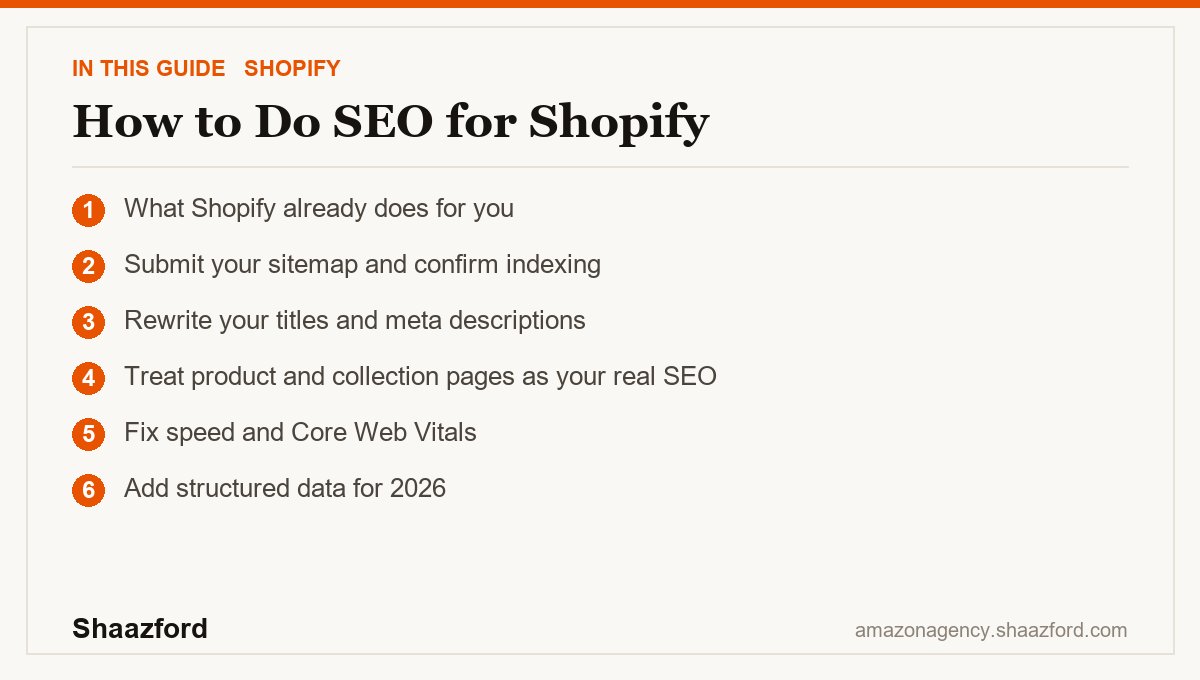
What Shopify already does for you
Before you touch anything, understand what the platform covers. Every Shopify store automatically generates a sitemap at yourstore.com/sitemap.xml and keeps it updated as you add products, collections, and pages. Shopify also adds canonical tags to prevent duplicate content issues, ships mobile-responsive themes, and includes a free SSL certificate so every store runs on HTTPS.
That means the technical foundation most guides obsess over is already handled. Your job is the layer Shopify leaves to you: titles, descriptions, images, URLs, internal links, content, structured data, and speed. That is where the wins are.
Step 1: Submit your sitemap and confirm indexing
Connect your store to Google Search Console, then go to Indexing, then Sitemaps, and submit yourstore.com/sitemap.xml. This tells Google where every product, collection, page, and blog post lives. Check the coverage report for pages that are not indexed, and fix the reasons Google gives you. If Google cannot find or read your pages, nothing else on this list matters.
Step 2: Rewrite your titles and meta descriptions
This is the highest-leverage change on most stores. Write a unique title tag for every important page, lead with the primary keyword, and keep it near 60 characters, with 70 as a hard ceiling before Google truncates it. Keep meta descriptions under 160 characters and put your strongest copy and keyword at the front.
Shopify's default title template often appends your store name, which can push your real keyword past the visible limit. Write your own so the keyword leads. Do this across your top products and collections first, since those pages carry buying intent.
Step 3: Treat product and collection pages as your real SEO
Here is where most owners go wrong. They pour effort into a blog and leave thin, duplicated product pages behind. In ecommerce, your product and collection pages are the ones that capture people ready to buy. Give each one a unique description written for a human, not a spun paragraph copied from the supplier. Add descriptive alt text to every image, keep URLs short and readable, and link related products and collections together so both shoppers and crawlers move through the catalog easily.
A blog still helps for top-of-funnel questions, but it supports the money pages. It does not replace them.
Step 4: Fix speed and Core Web Vitals
More than half of ecommerce traffic is on phones in 2026, and a slow store loses both rankings and sales. Run your key pages through a speed test, look at your Core Web Vitals, and attack the biggest offenders: oversized images, heavy themes, and app bloat. Compress images, remove apps you no longer use, and keep the stack lean. Every app you install can add scripts that slow the page down. Fast pages rank better and convert better, so this one change pays twice.
Step 5: Add structured data for 2026
Add product structured data, also called schema, so search engines and the new wave of AI shopping tools can read your catalog cleanly: price, availability, ratings, and product details. Many themes and apps handle this, but confirm it is present and valid with a rich results test. As AI assistants and catalog-based discovery grow, machine-readable product data is becoming table stakes, not a nice-to-have.
The mistakes that cost the most
The first and most expensive mistake is buying traffic to cover for weak SEO. Ads stop the moment you stop paying. Organic rankings compound. If your product pages are not optimized, you are renting demand you could own.
The second mistake is chasing a blog while the product pages stay thin. Content marketing is real, but for a store, the fastest SEO gains almost always come from the pages closest to the sale.
The third mistake is ignoring speed. Owners add a review app, an upsell app, a popup app, and a timer app, then wonder why rankings slid. App bloat is a ranking problem and a conversion problem at the same time.
Where Shopify SEO is heading in 2026
Search is splitting into two lanes. Traditional Google results still reward fast, well-structured, genuinely useful product pages. Alongside them, AI assistants and shopping tools increasingly pull from structured catalog data to answer buying questions directly. Shopify has leaned into this with catalog syndication into AI tools, which means a clean, well-tagged catalog is now an acquisition channel, not just an SEO detail. The stores that win keep the fundamentals tight and make sure their catalog is ready for the places new demand is coming from.
Want your Shopify SEO owned end to end?
Running this checklist once is easy. Keeping product pages, speed, structured data, and content optimized as your catalog grows is a job. Shaazford runs Shopify and DTC growth for established brands under one strategy, with senior Amazon agency directors and flat, transparent pricing, never a percentage of your ad spend. If you want organic to carry real weight in your growth, talk to Shaazford.