
Figuring out how to become an Amazon seller is less about the sign-up and more about the order you do things in. You can register in an afternoon. What decides whether the account is worth having is the product you choose and the setup you build around it. This guide walks the real starting sequence for 2026, from the documents you need to the first decision that actually matters.
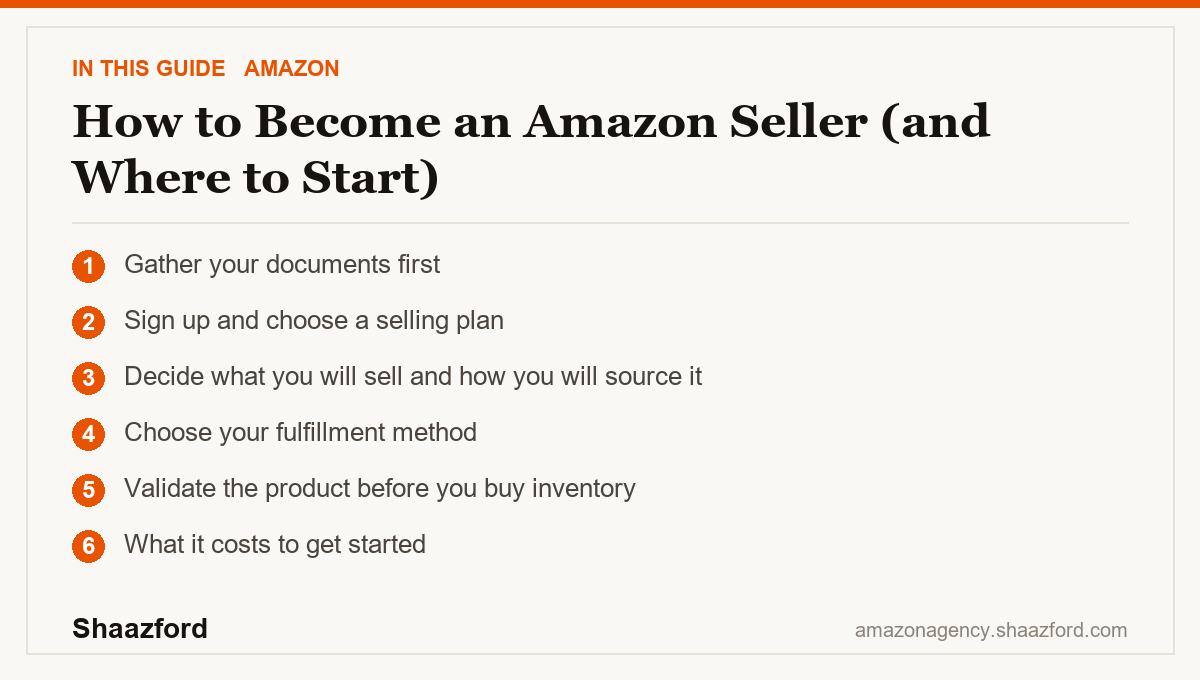
To become an Amazon seller, gather your documents, register at sell.amazon.com, choose an Individual or Professional plan, decide what to sell and how to source it, pick FBA or FBM, then validate the product before buying inventory.
Key takeaways
- Registration takes an afternoon; the product decision matters far more.
- Individual plan is 99 cents per item; Professional is $39.99 a month.
- Common sourcing models are private label, wholesale, and arbitrage.
- Validate demand and margin before ordering any inventory.
Step 1: Gather your documents first
Before you open Seller Central, collect what Amazon requires: a bank account where payouts land (roughly every 14 days), a chargeable credit card, a government-issued photo ID, your tax information (an SSN for individuals or an EIN for a business), a phone number, and your legal name and address. Most new accounts complete an identity verification step, sometimes a short video call, so having your ID and details accurate up front prevents delays.
Step 2: Sign up and choose a selling plan
Register at sell.amazon.com and pick one of two plans. The Individual plan costs 99 cents per item sold with no monthly fee, which fits testing the water at under about 40 items a month. The Professional plan costs $39.99 a month with no per-item fee and becomes cheaper once you pass roughly 40 units, while also unlocking advertising, bulk tools, and programs you will want as you grow. You can switch plans anytime, so start where your volume is.
Step 3: Decide what you will sell and how you will source it
This is where becoming a seller turns into building a business. The common sourcing models are private label (you brand a product made by a supplier), wholesale (you buy established brands in bulk to resell), and arbitrage (you buy discounted retail or online stock to flip). Each has different margins, capital needs, and risk. Pick the one that matches your budget and how hands-on you want to be.
Step 4: Choose your fulfillment method
You have two paths. FBA (Fulfilled by Amazon) means Amazon stores and ships your inventory and handles most customer service, in exchange for per-unit and storage fees, and it unlocks Prime. FBM (Fulfilled by Merchant) means you ship orders yourself, keep more margin control, and take on delivery and support. Many new sellers start FBM at low volume, then move to FBA as orders grow.
Step 5: Validate the product before you buy inventory
The easy afternoon is the account. The hard part is choosing a product you can stand behind. Validate demand against competition before you spend on stock, using Amazon's Product Opportunity Explorer or a research tool. A product with steady demand, room against the competition, and healthy margin after fees is worth far more than a fast registration.
What it costs to get started
Beyond your plan, budget for the product itself and Amazon's selling fees. Amazon charges a referral fee on each sale, typically 8% to 15%, with most categories at 15% and a $0.30 minimum. If you use FBA, add a per-unit fulfillment fee (raised about 8 cents on average in January 2026, now carrying a 3.5% fuel and logistics surcharge as of April 2026) plus storage. Run any product through Amazon's Revenue Calculator before you commit, so your first order is priced on current numbers.
The beginner mistakes that cost the most
First, rushing the product to get to the fun part of listing. The account takes an afternoon, the product decides everything after, so give it the time it deserves.
Second, sloppy account details. A mismatch between your ID, bank, and tax information can stall verification or payouts. Enter everything accurately the first time.
Third, buying inventory on a hunch. Ordering a large batch before you have validated demand ties up cash in stock that may not move. Validate first, order modestly, then scale on real sales.
Fourth, ignoring fees at the planning stage. New sellers often price for revenue and forget the referral fee, FBA fee, and storage. Margin is what is left after all of it.
Where becoming a seller is heading in 2026
The barrier to entry is still low, but the bar for a good listing has risen. Amazon's AI shopping assistant now reads listings and reviews on the buyer's behalf, so a weak product with recurring complaints gets exposed faster than it used to. That changes what "getting started right" means: it is less about clever keywords and more about picking a genuinely good product and describing it clearly and honestly from day one. The sellers who set up cleanly and choose carefully have the advantage.
Ready to start on the right foot?
Becoming an Amazon seller is the easy part. Building a setup and a product plan that actually earn is the work. Shaazford helps brands launch and scale on Amazon under one strategy, with senior Amazon agency directors and flat pricing, never a percentage of your ad spend. Follow along for more, and when you want a partner to build it with you, talk to Shaazford.