
If you want to know how to create an Amazon listing that actually converts this year, start with a shift in mindset. Your listing now has two readers. The first is the shopper skimming on a phone. The second is Amazon's AI shopping assistant, which reads your copy and your reviews to answer buyer questions on your behalf. A listing built for only one of them underperforms. This guide walks every field in order, with the current 2026 rules, so you build each one on purpose.
Build every listing field on purpose for both the mobile shopper and Amazon's AI assistant. From July 27, 2026, most titles cap at 75 characters, so use Item Highlights for about 125 more, front-load bullets, and keep backend terms clean.
Key takeaways
- From July 27, 2026, most category titles cap at 75 characters including spaces.
- Item Highlights adds roughly 125 more searchable characters for specifics.
- Only the first 1,000 bytes across all five bullets are indexed.
- Backend search terms hold about 249 bytes; no repeats, commas, or competitor brands.
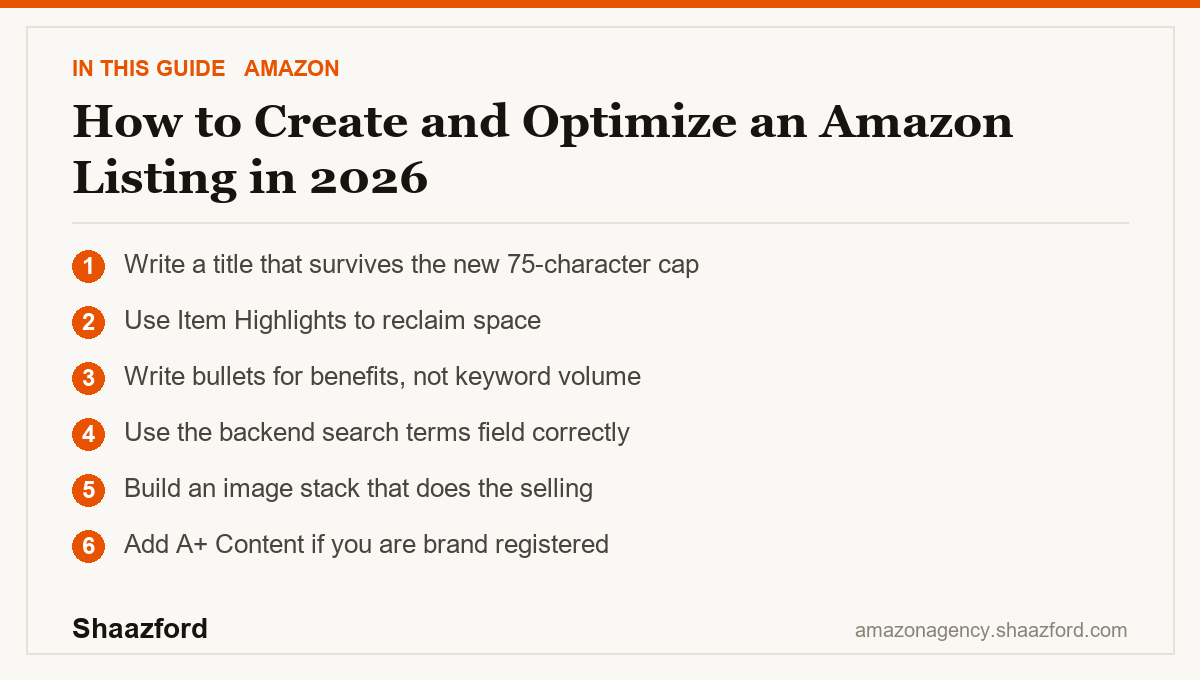
Step 1: Write a title that survives the new 75-character cap
The biggest change this year is at the top of the page. Starting July 27, 2026, Amazon caps product titles in most categories at 75 characters including spaces, with media categories excepted. Titles longer than that get replaced by an Amazon AI recommendation over time, so you lose control of your own headline if you ignore it.
That short a title forces discipline. Lead with your brand, then the product, then the single most important qualifier a buyer searches for. Drop the comma-spliced keyword strings that used to fill 200 characters. They no longer fit, and they no longer help.
Step 2: Use Item Highlights to reclaim space
Amazon paired the title cap with a new field called Item Highlights, which gives you roughly 125 additional characters for materials, use cases, or comparison points. This content is searchable and can appear alongside your title in search results and on the detail page. Treat it as the second half of your headline. Put the specifics here that no longer fit in the title, such as size, material, or the exact use case your best buyers care about.
Step 3: Write bullets for benefits, not keyword volume
You get five bullet points. Standard sellers get about 200 characters each, and brand-registered sellers get up to 500. Here is the detail most sellers miss: Amazon indexes only about the first 1,000 bytes across all five bullets combined for search. So front-load the terms that matter, and do not assume a 2,500-character wall of text all counts toward ranking.
Lead each bullet with the benefit in a few capitalized words, then explain it in plain language. A buyer scanning on mobile should understand what they get and why it matters in under two seconds.
Step 4: Use the backend search terms field correctly
This is where established sellers quietly waste their advantage. The backend search terms field holds about 249 bytes, and it is measured in bytes, not characters, so accented and special characters cost more. Amazon's own guidance is clear: no repeated words, no commas, no brand names you do not own, and no competitor terms. Use this space only for real search phrases your title, Item Highlights, and bullets did not already cover. Repeating a keyword you already used in the title adds nothing.
Step 5: Build an image stack that does the selling
Images carry more of the sale than copy does. Your main image must be the product on a pure white background with no text or props, per Amazon's rules. After that, use the remaining slots for lifestyle shots that show the product in context, an infographic that answers objections, a scale or dimension shot, and a short video if you can. Assume the shopper reads the images first and the text second.
Step 6: Add A+ Content if you are brand registered
If you are enrolled in Amazon Brand Registry, add A+ Content below the fold. It replaces the plain description with formatted image-and-text modules and a Brand Story. Amazon reports that A+ Content can lift conversion, and it gives the AI assistant more structured, factual material to pull from. If you sell more than one product, A+ is also where you cross-sell your catalog.
The beginner mistakes that cost the most
First, treating optimization as keyword density. In 2026 the assistant reads for meaning, so a stuffed title reads as noise and now literally will not fit. Second, ignoring the backend field or filling it with repeats and competitor brands, which wastes your only clean indexing space and risks suppression. Third, writing bullets as spec dumps with no benefit, which loses the mobile skimmer in the first line. Fourth, uploading one main image and calling it done, when the image stack is what converts. Fix these before you spend a dollar on ads, because paid traffic to a weak listing just burns budget faster.
Where Amazon is heading in 2026
The direction is clear. Amazon is compressing the listing for mobile and AI at the same time. The 75-character title, the searchable Item Highlights, and the assistant that reads your reviews all point the same way: clear, structured, honest data wins, and clever keyword games lose. In May 2026 Amazon folded its Rufus assistant into "Alexa for Shopping," which builds comparisons and answers questions straight from your listing content. The listing you write today is increasingly the sales pitch an AI delivers on your behalf.
Ready to make every field earn its place?
A listing that converts in 2026 is a system: a title built for the new cap, bullets indexed correctly, backend terms used cleanly, an image stack that sells, and A+ Content that carries the story. Doing that across a full catalog, at scale, is a job. Shaazford runs Amazon growth for established brands under one strategy, with senior Amazon agency directors and flat pricing, never a percentage of your ad spend. If you are ready to tighten your catalog, talk to Shaazford.