
If you are figuring out how to set up an Amazon storefront, the first thing to know is that a storefront, officially called a Brand Store, is a free, multi-page website that lives inside Amazon. It gives your brand a home with a unique URL, custom pages, and your own branding, instead of scattering shoppers across individual product listings. This is the step-by-step version for 2026, including the requirement most beginners hit first and the mistake that quietly wastes the whole effort.
An Amazon storefront, officially a Brand Store, is a free multi-page site inside Amazon. Building one requires Brand Registry, which requires a registered or pending trademark and a Professional seller account.
Key takeaways
- The Brand Store itself is free, but requires Brand Registry and a trademark.
- You need a Professional seller account at $39.99 a month.
- Build pages with the drag-and-drop Store builder, then submit for moderation review.
- Drive traffic deliberately and refine using the built-in Store insights dashboard.
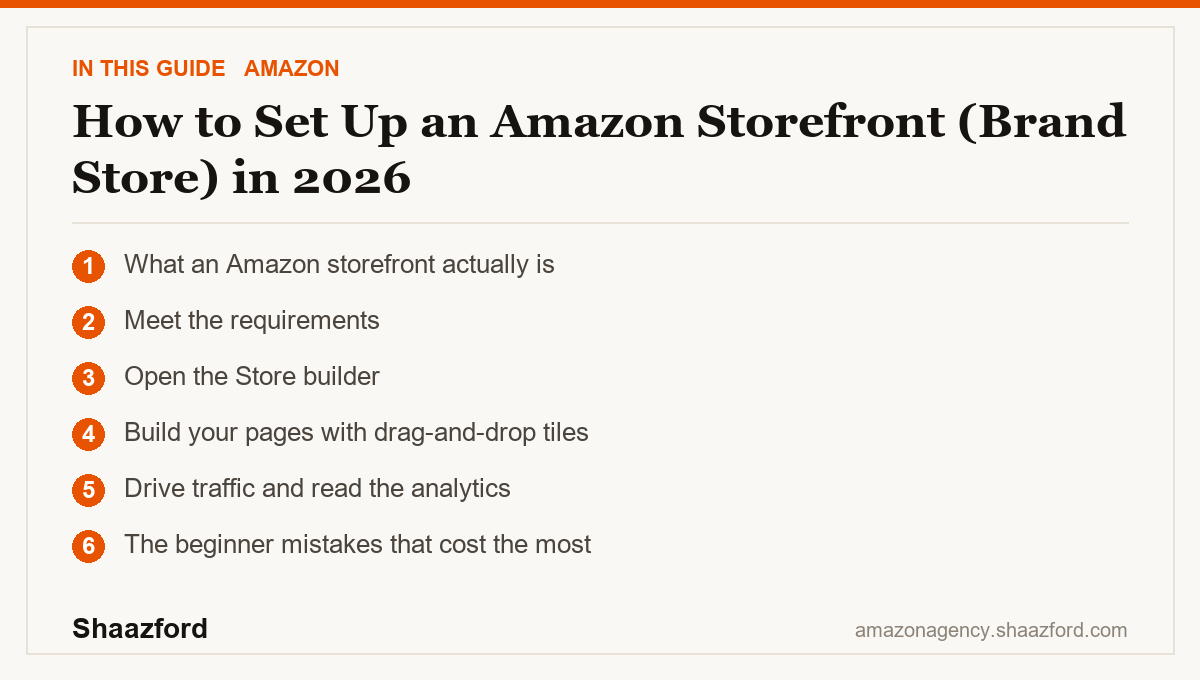
What an Amazon storefront actually is
A Brand Store is a curated, multi-page destination that showcases your full catalog in a trusted shopping environment. You can build a home page, category pages, and feature pages that tell your brand story, all with a single unique URL you can send traffic to from ads and social media. According to Amazon Ads, shoppers who visit a Brand Store during their journey tend to add to cart and purchase at higher rates than those who do not, which is why the store is worth building properly rather than treating it as an afterthought. Best of all, creating and maintaining a Brand Store is free.
Step 1: Meet the requirements
Here is the gate that stops most beginners. To build a Brand Store you must be enrolled in Amazon Brand Registry, and Brand Registry requires a registered or pending trademark for your brand from a recognized IP office such as the USPTO. You also need a Professional seller account, which costs $39.99 a month, and at least one active product under your brand. If you do not have a trademark yet, that is the real starting point, because everything else depends on it. Vendors and agencies enrolled through Brand Registry can build stores too.
Step 2: Open the Store builder
Once you are enrolled, sign into your Amazon advertising account, go to "Brand Content," and select "Stores." Enter your brand name exactly as you want it displayed, then upload a high-quality brand logo of at least 400 by 400 pixels. From there you choose a template. Amazon offers several layouts, from a hero-led design for brands with a flagship product to a product-grid layout for larger catalogs. Pick the one that matches how your catalog is shaped, not just the one that looks nicest empty.
Step 3: Build your pages with drag-and-drop tiles
The Amazon Store builder is a drag-and-drop system, so you do not need code or a designer. Add tiles for images, text, video, and product grids, then arrange them into a home page and a set of category pages for your main collections. Keep navigation simple and give each page one clear job. Use lifestyle imagery to carry the brand and product tiles to carry the shopping. When the store is built, submit it for Amazon's moderation review before it goes live.
Step 4: Drive traffic and read the analytics
This is the step almost everyone skips, and it is where the value actually is. A finished store with no visitors is a brochure in a drawer. Send traffic into it deliberately, from Sponsored Brands ads that link to the store instead of a single product page, from your social channels, and from any off-Amazon marketing you run. Then use the built-in Store insights dashboard to track visitors, page views, and sales by page. Prune the sections nobody clicks and expand the ones that convert. A good storefront gets sharper every quarter because you are editing it against real data.
The beginner mistakes that cost the most
Three mistakes undo most storefronts. First, building the store and never sending traffic to it, which leaves a polished page that no one sees. Route your ad and social clicks to the store on purpose. Second, cramming every product and message onto one endless page. A multi-page structure with clear category pages helps both shoppers and the AI assistant understand your brand. Third, building it once and forgetting it. The store has analytics for a reason, and the brands that win treat it as a living page they refine, not a one-time project. A trademark you never filed is the fourth quiet blocker, so start that early if you have not.
Where Amazon storefronts are heading in 2026
Two trends make the storefront more valuable this year, not less. Amazon has tightened the role of Brand Registry across the platform, extending brand-gated benefits and requirements, which raises the payoff for brands that complete registration. At the same time, Amazon's AI shopping assistant increasingly reads structured brand content to answer buyer questions and build comparisons. A clean, well-organized multi-page store gives that assistant clear signals about who you are and what you sell. In practice, the storefront is shifting from a nice-to-have showcase into part of how your brand gets understood and recommended.
Ready to build a storefront that converts?
Setting a store up is straightforward. Building one that is structured, on-brand, and fed with the right traffic is where most teams run out of time. Shaazford builds and runs Amazon Brand Stores for established brands under one strategy, with senior Amazon agency directors and flat pricing, never a percentage of your ad spend. If you want a storefront that actually earns its traffic, talk to Shaazford.