
If you are working out how to get more reviews on Amazon, the honest answer is that the compliant tools are simple, and the shortcuts are what get accounts closed. Reviews still drive conversion and trust, but Amazon has tightened enforcement, and its shopping assistant now reads your reviews on the buyer's behalf. This is the no-fluff, step-by-step version of how to earn reviews without putting your account at risk.
Use the Request a Review button in Seller Central, sent once per order between 5 and 30 days after delivery. If Brand Registered, add Amazon Vine. Never buy reviews or ask friends and family.
Key takeaways
- The Request a Review button sends Amazon's own compliant wording, once per order.
- Send the request between 5 and 30 days after delivery.
- Amazon Vine is the only sanctioned incentivized-review program, for Brand Registry sellers.
- Buying reviews or asking friends and family can permanently suspend your account.
Reviews matter most in the first weeks of a listing, so if the product is new, run this playbook alongside the Amazon product launch sequence for 2026, where Vine and early campaigns do the heavy lifting.
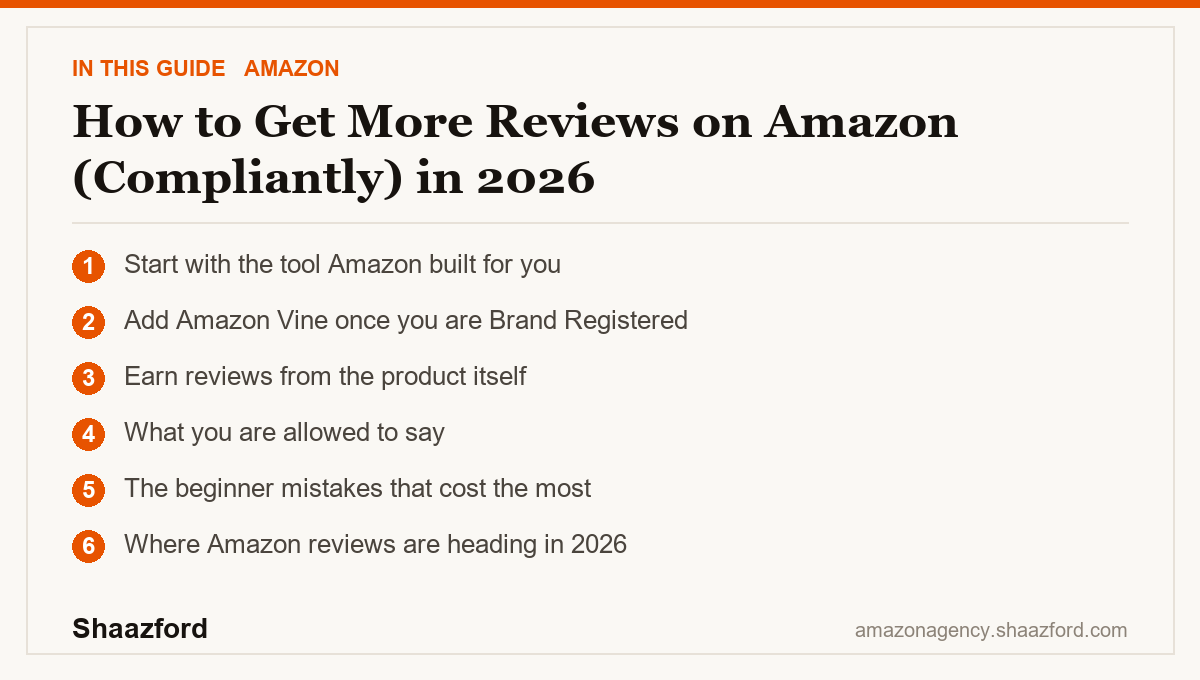
Start with the tool Amazon built for you
The single most reliable way to get more reviews is the Request a Review button inside Seller Central. It appears on the order detail page for every order, FBA or FBM. When you click it, Amazon sends a standardized review request to the buyer in their preferred language. Amazon writes the wording, so it is automatically compliant. You cannot be accused of manipulation with a message Amazon itself sent.
Two rules matter. You can send the request only once per order, and you can send it in the window between 5 and 30 days after the order is delivered. It will not fire if the buyer has already left a review. On its own the button lifts review rates meaningfully, and for most sellers it is the easiest and most defensible tool available. If you process a lot of orders, you can enable Amazon's built-in automation so the request goes out on eligible orders for you.
Add Amazon Vine once you are Brand Registered
If your brand is enrolled in Amazon Brand Registry, you can use Amazon Vine, the only program where Amazon permits an incentive in exchange for a review. You enroll a product, trusted reviewers known as Vine Voices receive it free, and they post honest reviews. You cannot contact them, edit their reviews, or remove them, which is exactly why the program is compliant.
Vine is enrolled per parent ASIN from the Vine dashboard under the Advertising menu. Enrollment is tiered by how many reviews you want, commonly up to 2, up to 10, or up to 30 units, and Amazon has set the fee at 0 dollars, 75 dollars, or 200 dollars per parent ASIN across those tiers. As of a 2026 update, lower-priced products can enroll at the free tier. The fee is charged only after your first Vine review publishes, so an enrollment that produces no reviews generally costs nothing. Vine is the fastest compliant way to move a new listing off zero reviews.
Earn reviews from the product itself
Tools help, but reviews follow the product. Set accurate expectations in your listing so buyers are not surprised, because a mismatch between the listing and the item is the most common source of low-star reviews. Ship a quality product, include tasteful package inserts that thank the customer and point them to support (never a positive review specifically), and respond quickly to problems before they become one-star ratings. Good product plus honest listing plus fast service is a review engine that never violates a policy.
What you are allowed to say
Amazon lets you ask for a review, but not influence what it says. A compliant request is neutral: you can ask for honest feedback, and that is it. You cannot ask for a positive review, offer any reward, gift, discount, or refund in exchange for a review, or ask a customer to change or remove a negative one. Package inserts can ask for a review in general terms, but the moment they say "5-star" or dangle an incentive, they cross the line.
The beginner mistakes that cost the most
Here is what quietly closes accounts. First, buying reviews or using paid review services. Amazon detects the pattern through account and behavior signals, and recovery from a review-manipulation flag is rare. Second, asking friends and family, which Amazon treats as a prohibited relationship and can detect through shared addresses, devices, and payment data. Third, incentivizing reviews outside Vine, including "leave a review and we will refund you" inserts, which is a direct policy violation. Fourth, chasing removals by pressuring unhappy buyers off-platform. Every one of these trades a short-term bump for a long-term risk that is not worth taking.
Where Amazon reviews are heading in 2026
The direction is clear: reviews are becoming a data source, not just a star count. Amazon's shopping assistant now summarizes recurring themes from your reviews to answer buyer questions and inform recommendations, so a pattern of complaints can quietly suppress you even at a decent overall rating. That raises the value of genuine, detailed reviews and raises the cost of a mediocre product. Enforcement against manipulation has also tightened, with Amazon leaning on behavioral signals rather than obvious red flags. The winning move in 2026 is boring and durable: use the built-in tools, fix the product, and let honest reviews compound.
Want reviews handled the right way?
Getting reviews compliantly is straightforward once the system is set up, but keeping it running while you scale a catalog is another job. Shaazford runs Amazon growth for established brands under one strategy, with senior Amazon agency directors and flat pricing, never a percentage of your ad spend. If you want a team that does this every day, talk to Shaazford.